
UltraPic One Click AI Background Remover

AI One-Click Remove Background from Logo – No Manual Work
As an important carrier of brand communication, a logo is a very significant presence. Generally, we have a better impression of clean and clear logos, as they directly affect the brand’s quality.
However, for different holiday promotions or other purposes, we usually need to remove the background from the logo, for example:
- On e-commerce product pages, logos with cluttered backgrounds are hard to coordinate with the page style.
- In marketing posters, an opaque logo background can easily disrupt the overall visual.
- Putting a logo with blurred edges into a PPT will look unprofessional.
When creating variations, clean logo materials can blend more naturally into the new design.
What challenges do logo background removal tools face?
You might have tried Adobe Photoshop, and found that the downside of this professional software is its steep learning curve. Not only do you need to master complex operations like layers and the pen tool, but when dealing with grade backgrounds and intricate edges, issues similar as detail loss frequently.
For non-design professionals, the learning cost is prohibitively high.
Perhaps you have also tried other online tools, which may have issues such as insufficient accuracy or watermarked exports, making them less than ideal to use.
Therefore, an accurate, efficient, and user-friendly logo background removal tool – UltraPic – has become the common choice for designers, e-commerce operators, business teams, and ordinary users.
UltraPic: AI Professional Logo Background Remover – Efficient and Simple
As an image processing tool integrating AI technology, UltraPic demonstrates targeted advantages in removing background from logo field.
It is not just a basic removal tool, but also your one-stop image editing station. It uses deep learning models to identify complex details more accurately than humans. Its core advantages are reflected in the following four aspects:
Pixel-level precision recognition, restoring logo details
Common logo design elements, such as fine lines, gradients, semi-transparent effects, and hollow structures, are very difficult to manually remove the background.
UltraPic intelligently identify the boundary between the logo and the background, achieving precise separation even for hair-thin edges or complex textures.
Retained the original logo details, avoiding issues of edge blurriness or color distortion, resulting in a final effect that can rival manual touch-ups by professional designers.
If you need to handle logos with extremely high precision, UltraPic might be a good choice.
No professional experience required
You don’t need to have professional skills. Removing a complex logo background only requires three steps: “Upload – Process – Download.” With just a click of the mouse, you can obtain a clean logo image.
Its intuitive interface requires no learning curve—there’s no need to understand layers or parameter settings.
For batch processing, UltraPic supports uploading multiple files simultaneously, handling up to 50 logo files at once, greatly improving efficiency. This makes it very suitable for optimizing product logos on e-commerce platforms, eliminating repetitive manual labor.
High-speed processing + multi-format support
With UltraPic, removing the background of a single logo takes only 2-5 seconds, and batch processing maintains high efficiency, far surpassing traditional tools.
Supported JPG, PNG and more normal formats. No need to convert files in advance. No need to download or install software, saving device storage space, while allowing processing anytime and anywhere, breaking location constraints.
Detailed Steps for Removing Logo Backgrounds with UltraPic
Whether you’re a first-time user or a frequent operator, UltraPic’s process remains streamlined and efficient. Follow these steps:
- Open the UltraPic online tool page. Click the top-left corner and select BG Remover. Upload Image from your local device, or simply drag and drop the file into the upload area for flexible and convenient operation.
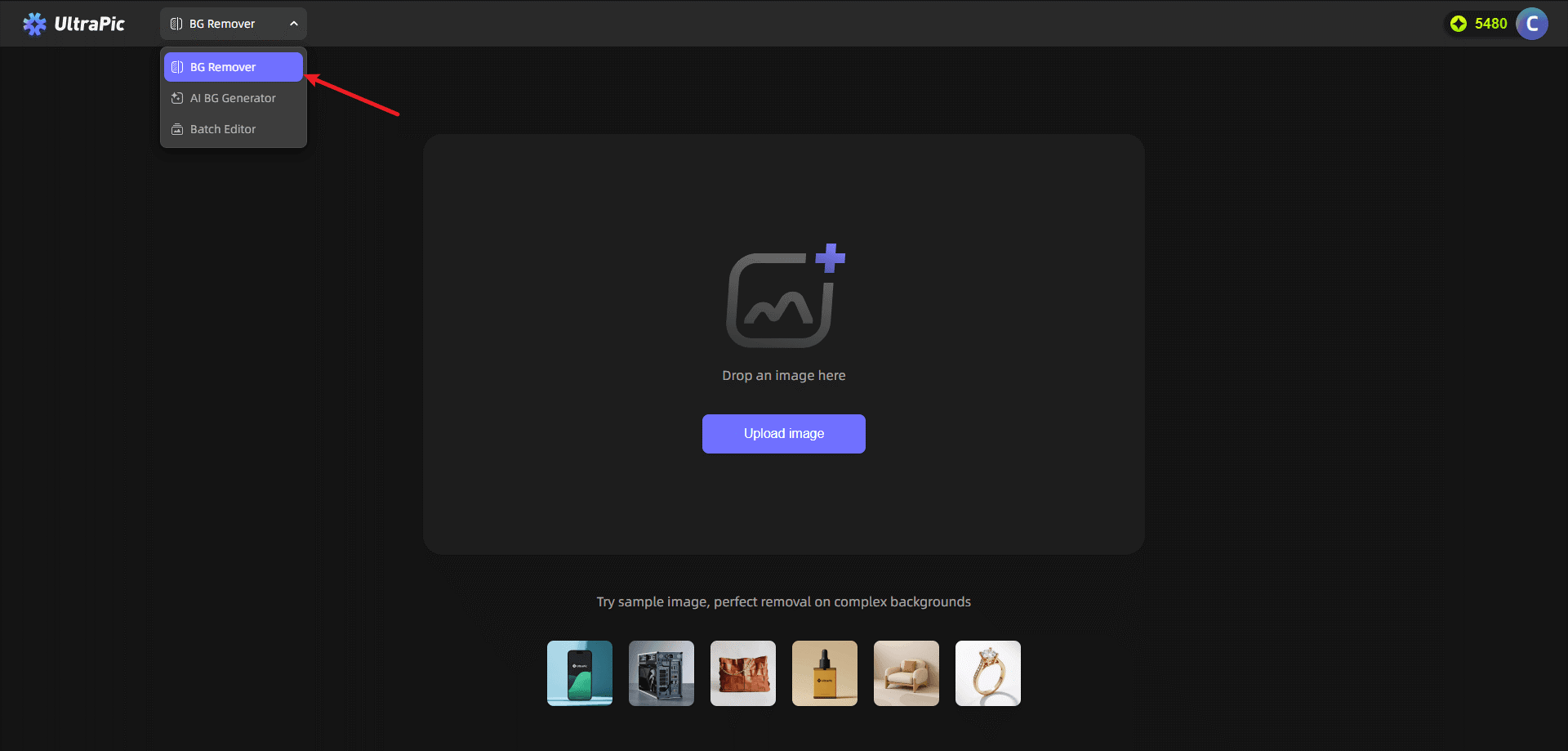
You can choose just upload a single image or click Batch Editor to edit multiple images at once. All operations are guaranteed to be efficient and of high quality.
- Once the file is uploaded, UltraPic’s AI Background Remover automatically detects and removes the background without any complex settings or manual adjustments. The system intelligently identifies the logo subject and quickly separate it from the background in just 2-5 seconds.
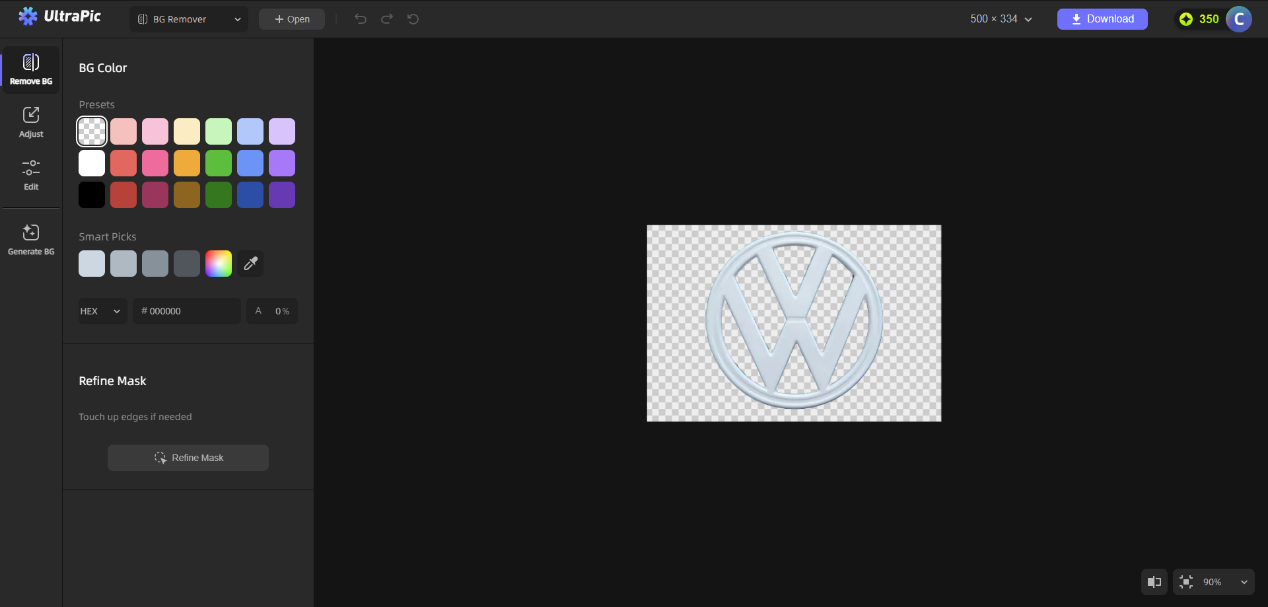
- If you get everything perfect, just click the “Download” button to export the file in transparent PNG format, enabling seamless use in various design software.
The exported files are watermark-free and ready for immediate use in e-commercial, design projects, office presentations, and more.
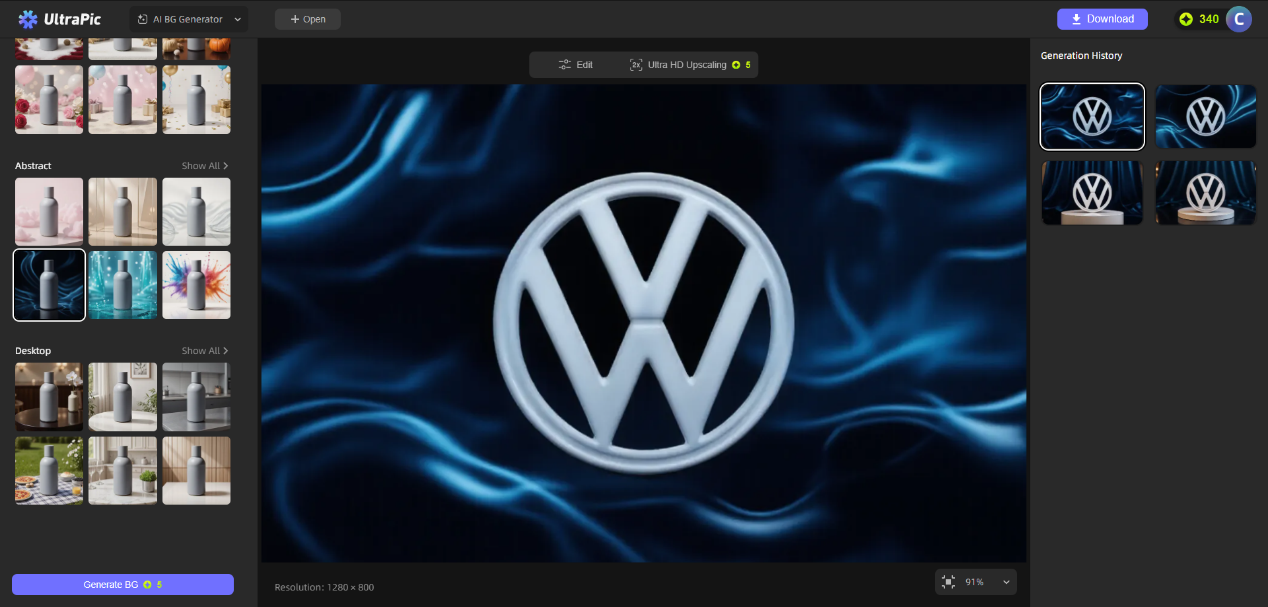
Conclusion
Removing the background from a logo is no longer the exclusive domain of professional designers. Ordinary operators can also easily handle this task, provided they choose the right tools.
UltraPic uses AI technology to accurately identify logos and backgrounds, and it doesn’t require any image editing experience, making it an ideal online image editing tool.
It overcomes the complexity and inefficiency of traditional tools, while also addressing the challenge of allowing users with different needs to quickly obtain clean and professional logos.
